
goodthoughts for Mac
One quote a day, on your desktop.
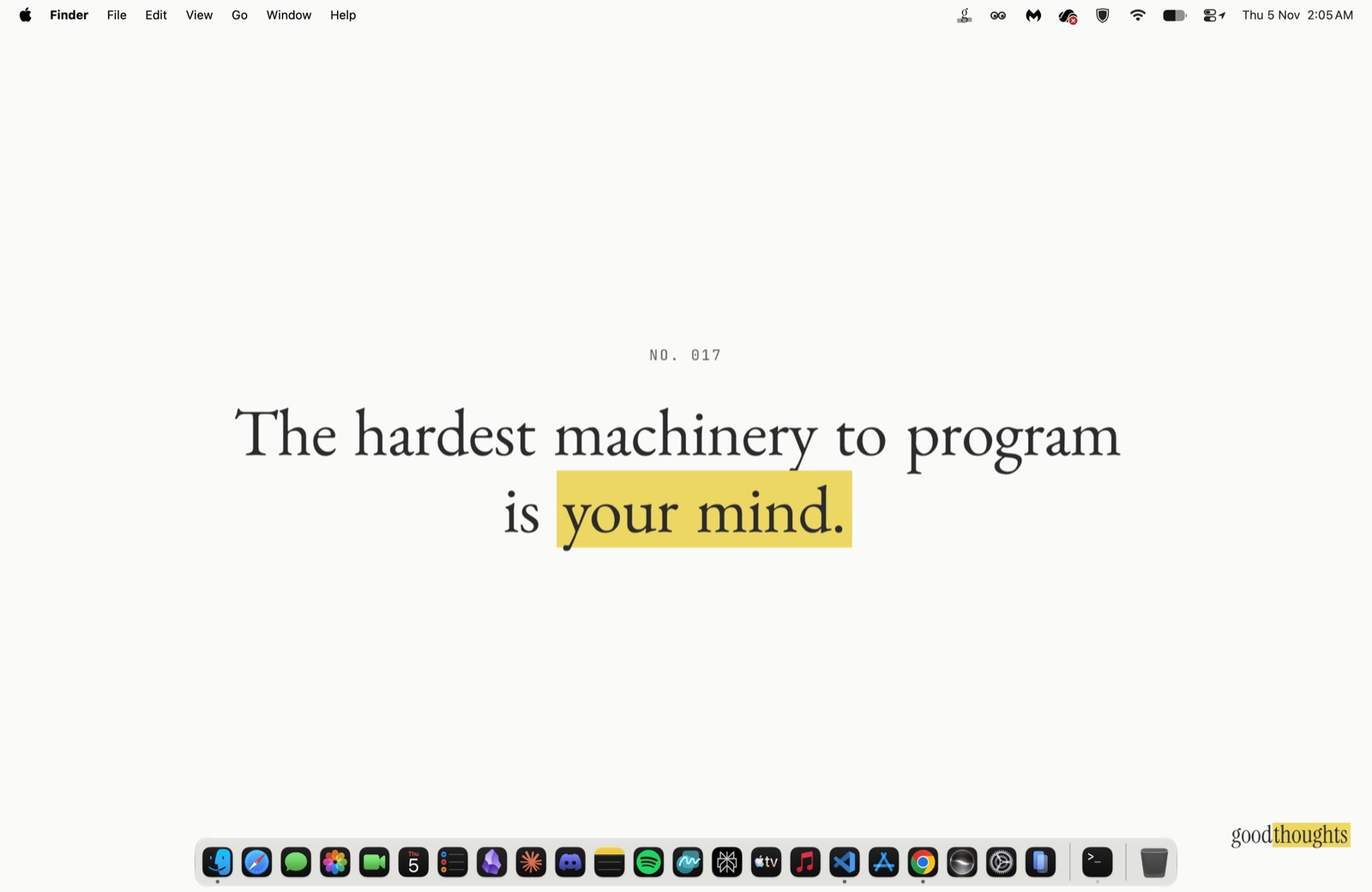
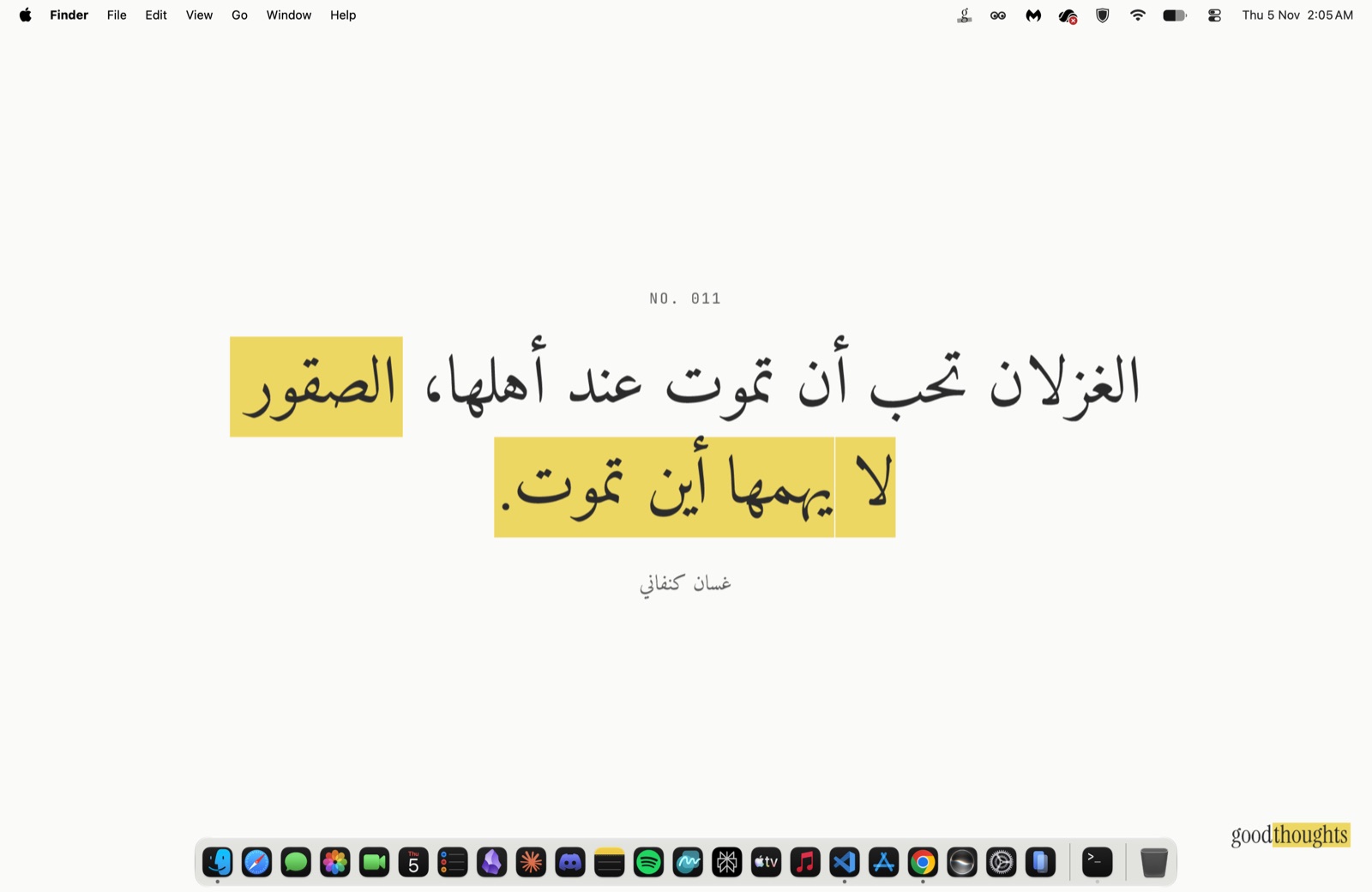
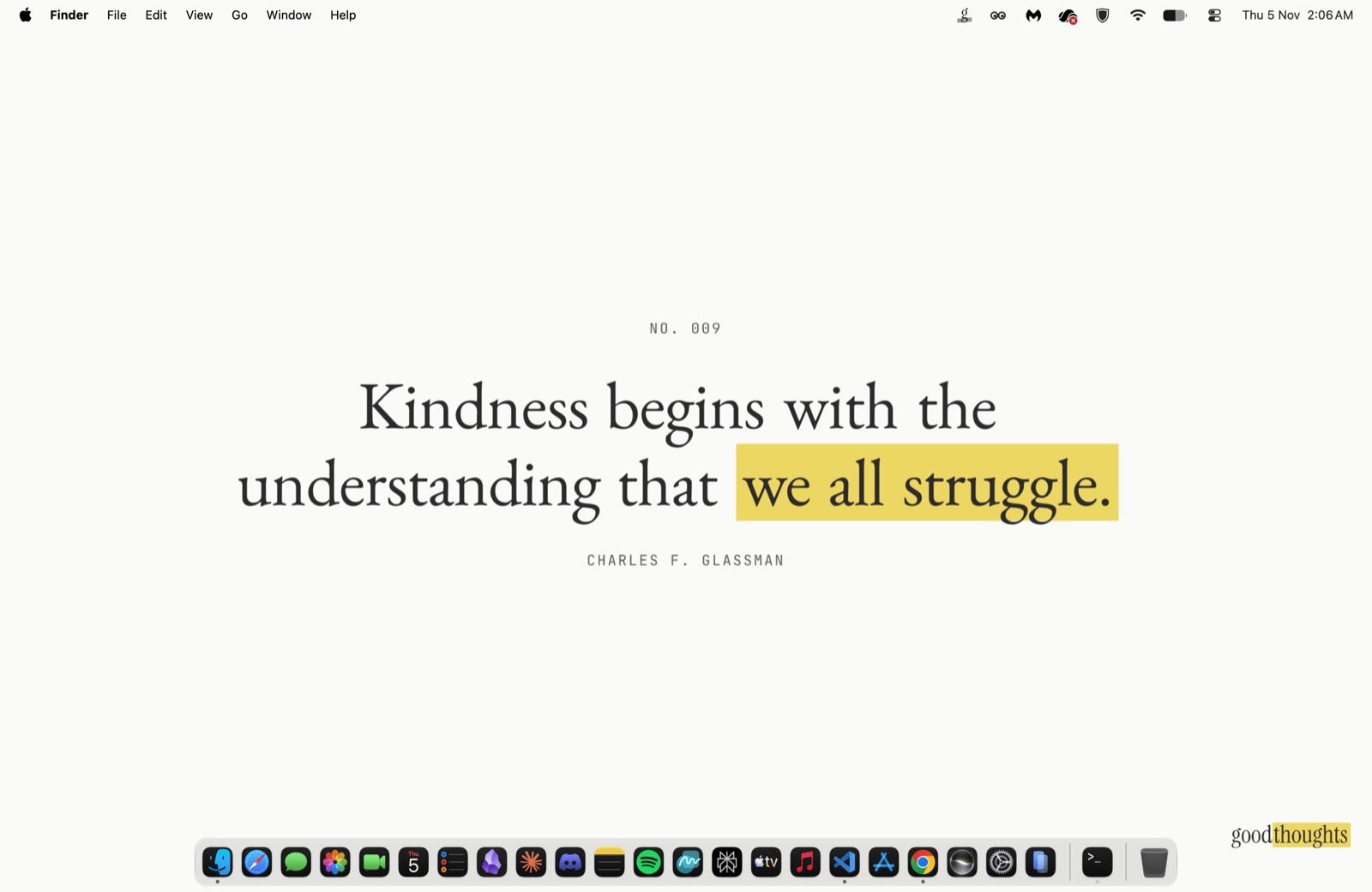
A small menu bar app. Each morning it sets the day's quote as your wallpaper, the same quote on every Mac.
Version 0.1.0 · 2 MB · Free · macOS 13 Ventura or later · Source on GitHub
How it works
- 01
The g sits in your menu bar. Click it to see today's quote.
- 02
Apply sets it as your wallpaper, drawn for your screen's shape.
- 03
Turn on Set each morning and a new quote arrives every day by itself.
Opening it the first time
The app isn't notarised by Apple, so macOS asks you to approve it once. Drag GoodThoughts to Applications, open it, then:
- macOS 15 Sequoia and later
- Click Done on the warning. Open System Settings → Privacy & Security, click Open Anyway next to GoodThoughts, and confirm.
- macOS 13 Ventura and 14 Sonoma
- Control-click GoodThoughts in Applications, choose Open, then Open again.
After that it updates itself, and asks before installing anything.
Privacy
It runs in the macOS App Sandbox with nothing but outgoing network access. It fetches quotes and wallpapers from goodthoughts.page and checks GitHub for updates, and it sends nothing about you or your Mac. All the code ison GitHub.